INITIALIZING DIX SYSTEM...
Products Atlas Community News Under the Hood GET DIX →
AppIA FOR LINUX OPTIMIZATION

YOUR SYSTEM. ANALYZED. OPTIMIZED.

DIX scans real system data. Claude AI analyzes a hardware snapshot and proposes optimizations. Every change validated, snapshotted, one-click rollback.

scroll

ESTIMATE YOUR DIX SCORE

Select your hardware profile for an estimated DIX internal score range. Actual results depend on your real system parameters.

BEFORE DIX
WITH DIX

Verify it for real →

THE DIX ECOSYSTEM

One platform. Multiple tools. Each one solving a specific performance problem.
AVAILABLE NOW
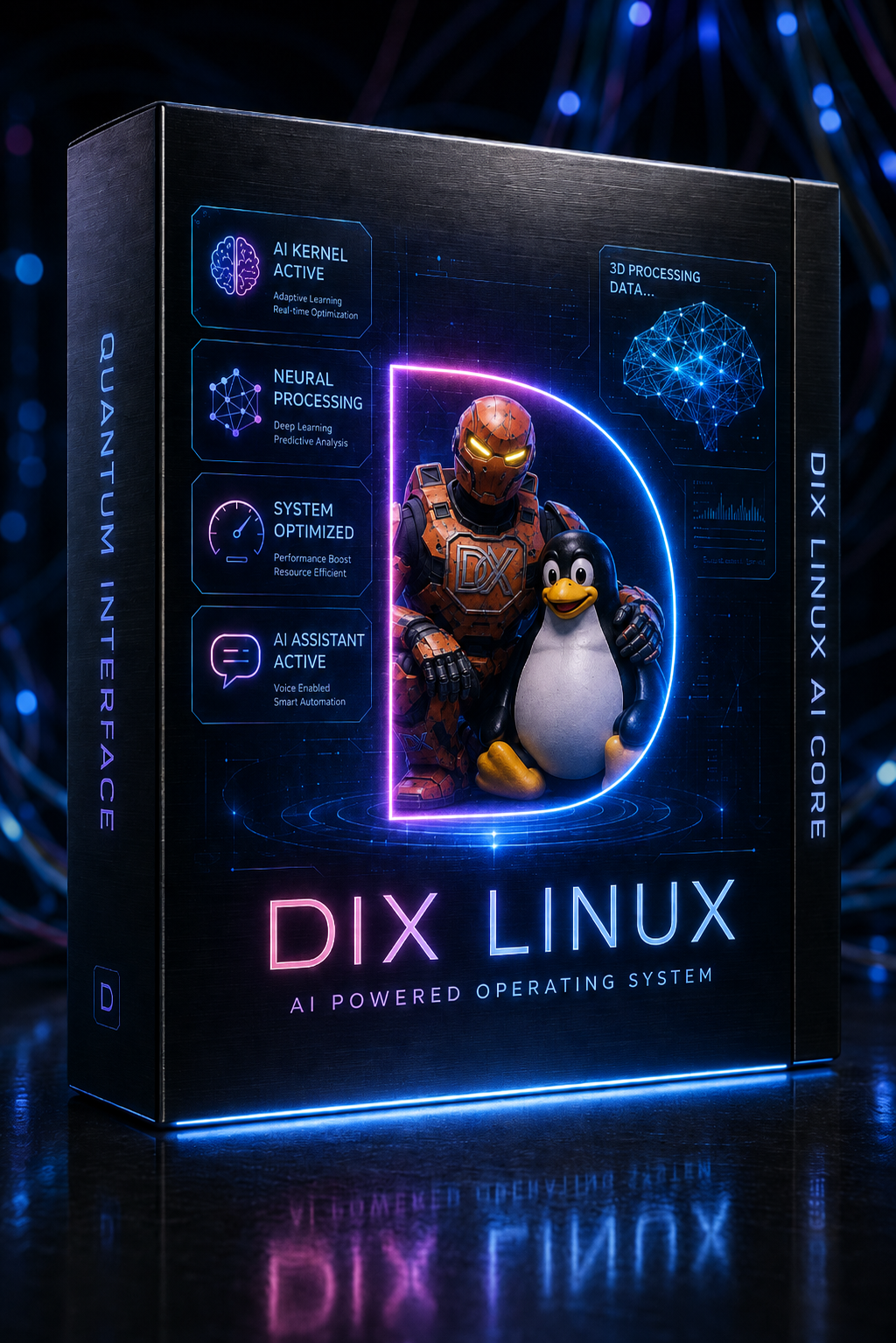
DIX Linux
DIX Linux
Native AI optimization for Linux. Rust binary + Claude AI. Validates every script before execution.
  • Real kernel scan — /proc and /sys
  • DIX internal score 0–100 before and after
  • Custom script per hardware
  • One-click rollback
€14.99 — launch price
DOWNLOAD FREE TRIAL Ubuntu/Debian · Other formats BUY NOW — €14.99
BETA
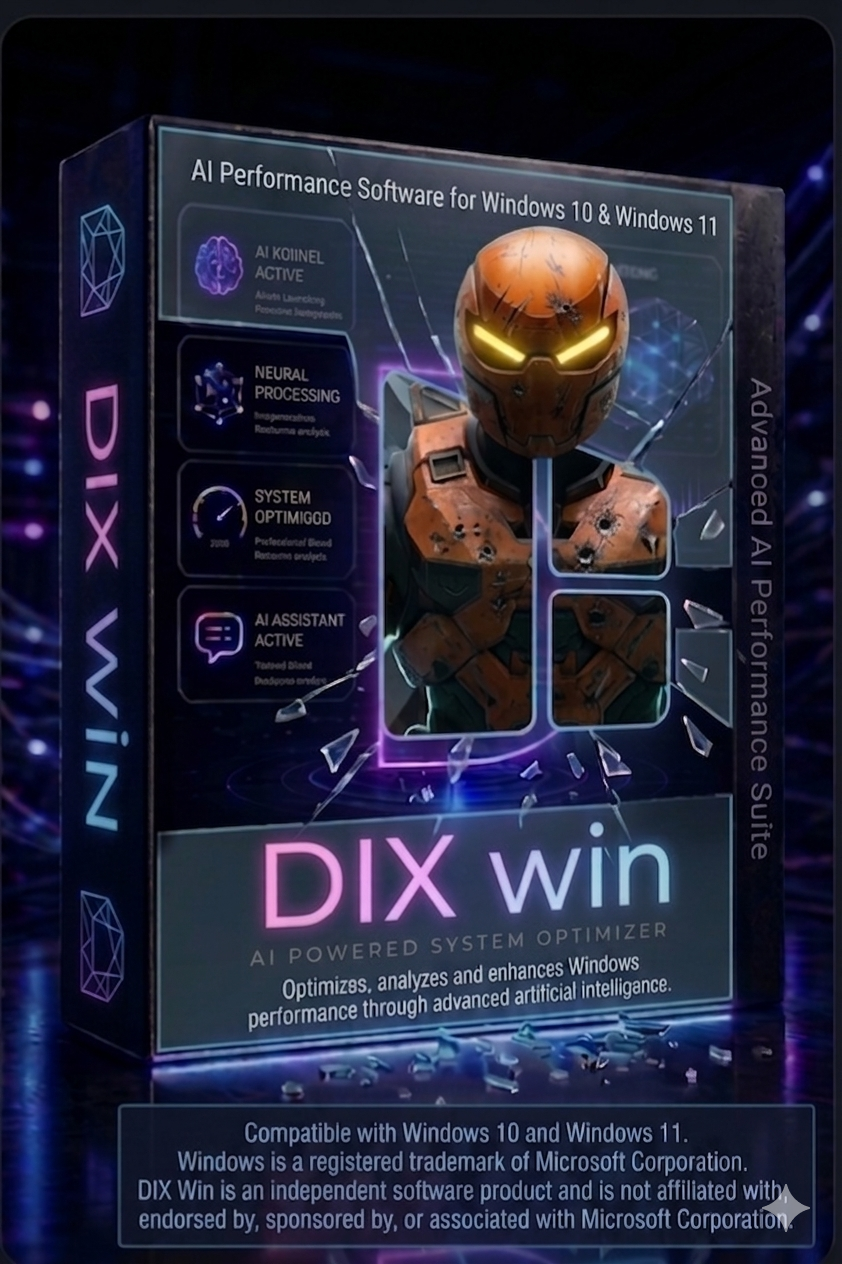
DIX WIN
DIX WIN
Windows Optimization AppIA. Analyzes real system data via native Windows APIs and controlled checks. AI-generated optimization proposals with rollback. Beta — help us validate on real hardware.
  • Real registry + power plan tweaks (with UAC verification)
  • Windows 10 / 11
  • DIX internal score 0–100 before and after
  • One-click rollback
€14.99 — launch price
DOWNLOAD FREE TRIAL Windows 10 / 11 · MSI / other BUY NOW — €14.99

HOW DIX WORKS

No manual tuning. DIX scans your system, sends a real hardware snapshot to Claude AI, and applies validated proposals through a policy engine.

Step 01
SCAN
DIX reads /proc and /sys in real time. CPU governor, I/O scheduler, memory pressure, NUMA state, hugepages. No guesswork.
Step 02
ANALYZE
Claude AI receives your hardware snapshot and proposes validated, hardware-specific optimizations. Based on real system parameters, not generic presets.
Step 03
APPLY
A validated script runs via pkexec. Every parameter change is snapshotted first. One click to revert if needed.

WHAT DIX DOESN'T DO

ONE TEST CASE. REAL HARDWARE.

Single internal test system: Intel i5-12400 + RTX 3060 + 32 GB DDR4 — Ubuntu 26.04. Methodology pending publication.

CPU
Events / second
sysbench on Linux · native computation on Windows · measured per analysis session
RAM
MB / second
sysbench memory throughput on Linux · native sequential copy on Windows
DISK
IOPS · 4K random
fio randread on Linux · native random read on Windows · 256 MB file
34→91
DIX Score (internal)
Single test machine: i5-12400, Ubuntu 26.04 — your result will vary

Results vary by hardware and configuration. The DIX score is an internal optimization metric — not a universal benchmark or guaranteed performance result.

DIX ATLAS — ROADMAP

Planned opt-in telemetry for future recommendations. Backend and privacy review pending before public rollout.

WHERE WE'RE GOING

Versioned, dated, honest. No vaporware.

v1.0 — NOW
LINUX NATIVE
Scan + Claude AI + DIX internal score 0–100 + validated script execution. pkexec privilege model. Snapshot rollback. Available now.
LIVE
v2.0 — Q3 2026
DIX DAEMON
Adaptive background daemon and active workload detection planned. Atlas and Windows remain roadmap items until backend and beta builds are verified.
IN PROGRESS
ODYSSEY — 2026
DIX ODYSSEY
Advanced tier planned for deeper analysis. Model, token budget, daily limit, and subscription details are pending verification in closed beta.
IN TESTING
v3.0 — 2027
MULTI-PLATFORM
Windows, macOS, and Android support planned after Linux validation. Unified score system under design.
PLANNED

UNDER THE HOOD

We know what you're looking for. Here it is.

dix — scan + analyze + apply
# 1. Rust binary scans local kernel
read /proc/cpuinfocpu_governor=performance
read /sys/block/nvme0n1/queue/schedulermq-deadline
read /proc/meminforam=32GB
 
# 2. Snapshot sent to DIX proxy → Claude AI
POST api.dixsystem.com/v1/analyze
license: validated
hw_id: hashed fingerprint (not identifiable)
 
# 3. validate_script() checks every line
check rm / dd / curl / eval / $( → BLOCKED
check nvidia / GPU / /etc/ → BLOCKED
check numa_balancing=0 → BLOCKED
check dirty_ratio>15 → BLOCKED
check hugepages=never → BLOCKED
 
# 4. Validated script runs via pkexec
/usr/bin/pkexec /bin/bash optimize_1749123.sh
vm.swappiness = 10 applied
snapshot saved → rollback ready
script deleted after execution
🔒
API key never in the client
The Anthropic key lives exclusively in the server-side proxy. The compiled binary contains no credentials. Verifiable with strings ./dix | grep sk-ant.
🛡️
Static policy engine
Written in Rust. Every script is checked line by line before pkexec. The AI cannot override it. Whitelist of allowed sysctl keys — nothing outside the list passes.
📸
Snapshot before every change
DIX reads the current value of every parameter it's about to change. Stores it in ~/.config/dix/snapshot.json. One click to revert exactly.
🚫
Four permanent blocks
GPU drivers, NUMA balancing=0, hugepages=never, dirty_ratio above 15. Blocked at the policy layer regardless of what Claude AI returns. Non-negotiable.
🗑️
Script deleted after execution
The generated script is written to a private 0700 directory with 0500 permissions, executed once, then immediately deleted. Not /tmp. Not reusable.

DIX BETA REWARDS

Launch week: we're giving away 20 lifetime DIX licenses (Linux or Windows). No purchase necessary — just try the free demo and tell us.

Loading entries…

A — Share your resultTry the free demo, then post a real before/after DIX score on X, Instagram or TikTok, tagging @DixSystem with #DixBeta.
B — Answer the feedback testTry the free demo, then answer 5 short questions about your experience.

SEE OFFICIAL RULES

20 winners, launch week only — picked with a public random draw if needed. Full terms here.